
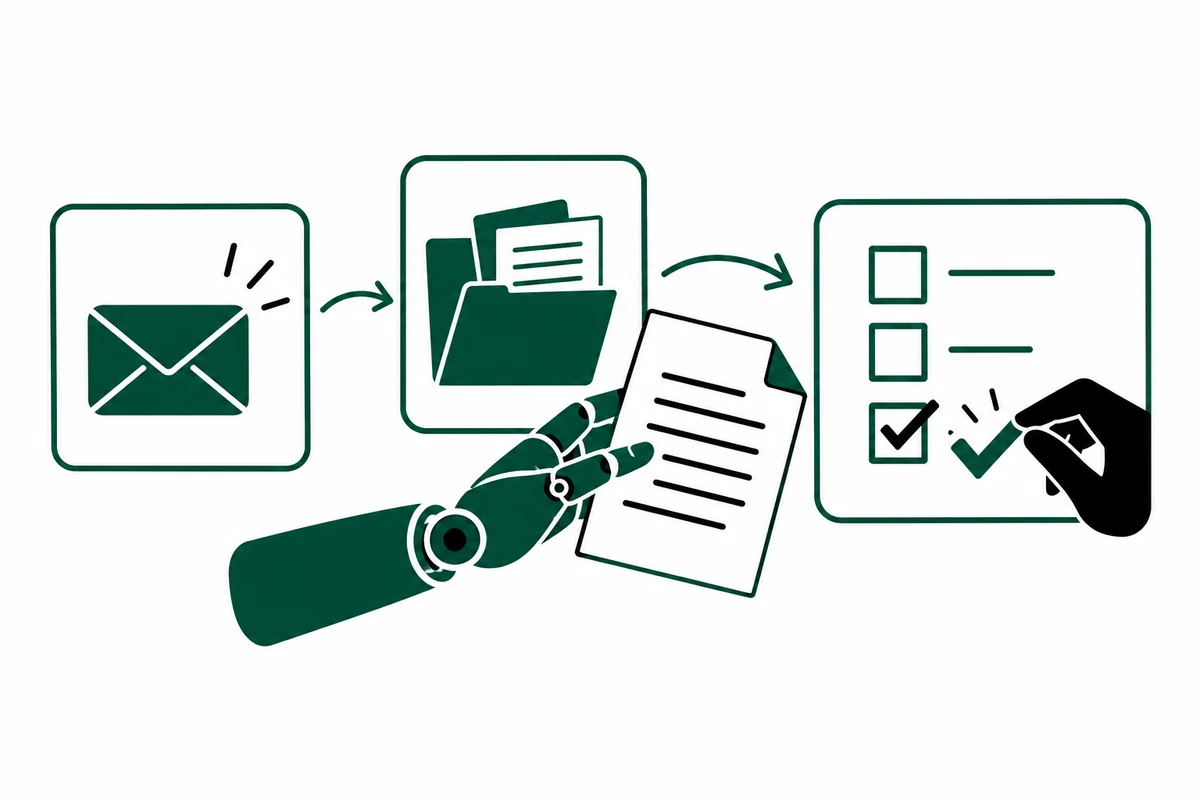
You have probably used AI to write an email, summarize a document or brainstorm ideas. Useful. But you still had to open the right files, move information between apps and decide what happened next.
AI agents can take on some of that follow-through. You give them a job, access to the right information and clear boundaries. They can work through several steps toward a result, instead of stopping after a single answer.
For a business owner, that opens up a practical question: which parts of the work could you delegate?
First, what is an AI agent?
An AI agent is software that uses an AI model to choose steps, use connected tools and adjust its approach while working toward a goal. Those tools might let it search documents, look up customer records or prepare an email.
Think of assigning a task to an assistant: “Prepare me for tomorrow’s sales call.” With the right setup, an agent could find the customer’s past conversations, check your records and put together a short briefing. If important information is missing, it could flag the gap rather than make up an answer.
The coworker comparison is useful, with a limit: an agent is still software. It can misunderstand instructions and make mistakes. Your business remains responsible for the work and the decisions.
What does “agentic work” actually mean?
Agentic work means giving AI some room to decide how to complete a task, within rules you set. It can choose a next step, check the result and continue or ask for help.
Compare two requests. “Write a follow-up email” asks for a piece of writing. “Prepare the follow-up for this new inquiry” could involve checking the inquiry, finding relevant customer history, spotting missing details and preparing the next action for your team.
A fixed automation follows a route you have already laid out, such as copying every new form submission into a spreadsheet. An agent becomes useful when the next step depends on what it finds. A business process can use both. Keep the predictable parts simple.
Here is what that could look like in a business
Imagine you run a service business. A potential customer emails: “We need help with a project next month. Can you send pricing?”
Today, someone might read the email, search for previous conversations, check which services fit and write back for more detail. That small task can mean several tabs and interruptions.
With the necessary connections and permissions, an inquiry agent could:
- Read the inquiry and check whether the person is already in your customer system.
- Look up the relevant services and your approved qualification questions.
- Notice that the scope is unclear and prepare a short reply asking for the missing details.
- Save a draft and give the account owner a summary of what it found.
- Pause for approval before sending the message or making a pricing commitment.
If the customer asks for an unusual discount or something outside your services, the agent should hand it to a person. It should also tell the team if a lookup fails, rather than quietly treat missing information as fact.
The setup matters: the agent needs current company information, working connections and clear approval rules.
A few terms worth knowing
Tools: the connections that let an agent read information or take actions in your apps. Access can be narrow: reading a customer record does not have to include permission to change it.
Agent orchestration: coordinating the work. It determines what happens next, which tool or specialist gets a task, how results come back and when a human steps in. Think of the handoffs in a well-run process.
Multi-agent system: several specialized agents working together. One might research while another prepares a draft. You do not need a whole digital department to get started, and adding agents can add complexity.
Human in the loop: a person reviews or approves a defined part of the process. Be specific about the checkpoint. “Ask me before sending a quote” is clearer than “use good judgment.”
Give the agent a job description
Before plugging an agent into your business, write down five things:
- The job: What exact result should it produce?
- The context: Which documents, records and examples should it use?
- The permissions: What can it read or change, and what is off-limits?
- The handoff: When must it stop and ask a named person?
- The quality check: How will you know the result is correct and useful?
For the inquiry example, a sensible starting job is “prepare a complete response for review,” rather than “handle all sales.” You can test whether the draft includes the right questions, uses current information and reaches the right owner.
Start with the work your team keeps repeating
Useful candidates include preparing customer-call briefs, sorting incoming requests, checking documents for missing information and assembling recurring reports. Pick one process that happens often and has a result someone can reliably check.
Test it on a small set of real examples, including messy ones. Measure the whole job: time saved, corrections needed, mistakes and effort spent reviewing. An instant draft is not much help if fixing it takes longer than doing the task yourself.
Keep a person in charge, start with limited access and expand only after the results justify it. Sending money, agreeing to terms and making sensitive decisions should not be your first experiment.
The opportunity is to give your team help with the follow-through: finding information, preparing work and moving the routine parts along. Start with one clear job, then decide whether the agent has earned a bigger one.
What recurring task would you most like to hand off? Start there.